我本地maven的settings.xml文件中的配置:
|
1 2 3 4 5 6 |
<mirror> <id>aliyunmaven</id> <mirrorOf>central</mirrorOf> <name>阿里云公共仓库</name> <url>https://maven.aliyun.com/repository/public</url> </mirror> |
在pom.xml文件中添加tomcat8插件:
之前试过tomcat7,直接更新pom文件即可使用,这里略过
|
1 2 3 4 5 6 7 8 9 10 11 12 13 14 15 16 17 18 19 20 21 22 23 24 25 |
<plugins> <plugin> <groupId>org.apache.maven.plugins</groupId> <artifactId>maven-compiler-plugin</artifactId> <version>3.8.1</version> <configuration> <release>11</release> <!-- 使用的 JDK 版本 --> </configuration> </plugin> <!--使用tomcat7也可以--> <!-- <plugin> <groupId>org.apache.tomcat.maven</groupId> <artifactId>tomcat7-maven-plugin</artifactId> <version>2.2</version> </plugin>--> <plugin> <groupId>org.apache.tomcat.maven</groupId> <artifactId>tomcat8-maven-plugin</artifactId> <version>3.0-r1655215</version> <configuration> <url>/maven_web</url> <server>tomcat</server> </configuration> </plugin> </plugins> |
报错如下: 在阿里云仓库中找不到
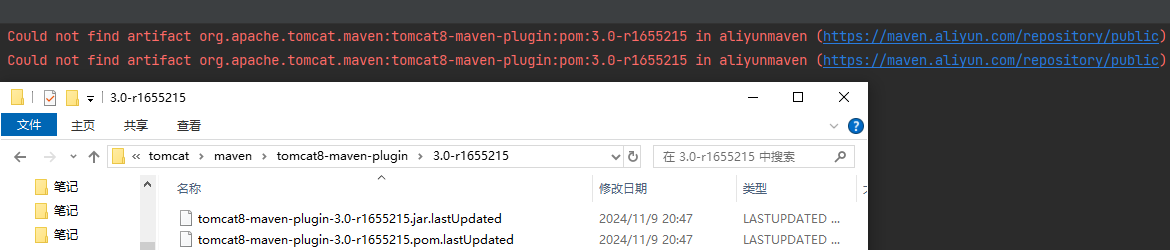
网上文章说在pom.xml文件中添加如下的配置:但仍旧无效,所以下面的配置不管用!
|
1 2 3 4 5 6 7 8 9 10 11 12 13 14 15 16 17 18 |
<pluginRepositories> <pluginRepository> <id>alfresco-public</id> <url>https://artifacts.alfresco.com/nexus/content/groups/public</url> </pluginRepository> <pluginRepository> <id>alfresco-public-snapshots</id> <url>https://artifacts.alfresco.com/nexus/content/groups/public-snapshots</url> <snapshots> <enabled>true</enabled> <updatePolicy>daily</updatePolicy> </snapshots> </pluginRepository> <pluginRepository> <id>beardedgeeks-releases</id> <url>http://beardedgeeks.googlecode.com/svn/repository/releases</url> </pluginRepository> </pluginRepositories> |
后来找到文章,将下面的镜像放到maven的settings.xml文件中:
|
1 2 3 4 5 6 |
<mirror> <id>alfresco</id> <name>alfresco maven</name> <url>https://artifacts.alfresco.com/nexus/content/groups/public</url> <mirrorOf>central</mirrorOf> </mirror> |
但是仍然说无法解析:

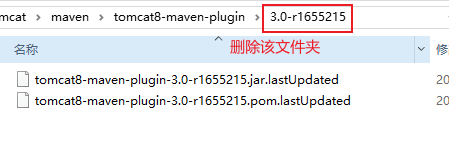
重新下载,报错说在阿里云这个仓库中找不到:

没有从我们添加的仓库中找,说明两个有冲突,注释掉阿里云试试:
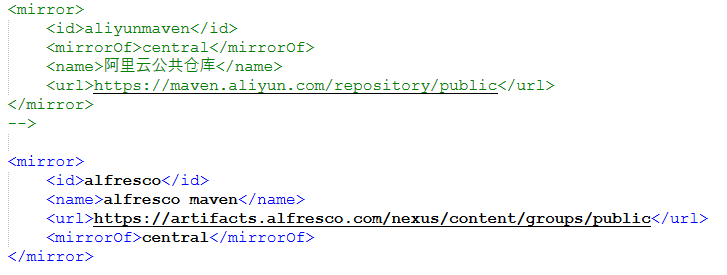
可以下载了:

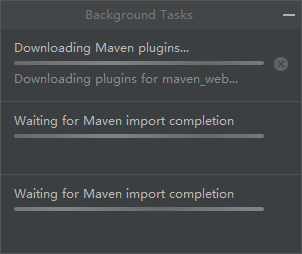
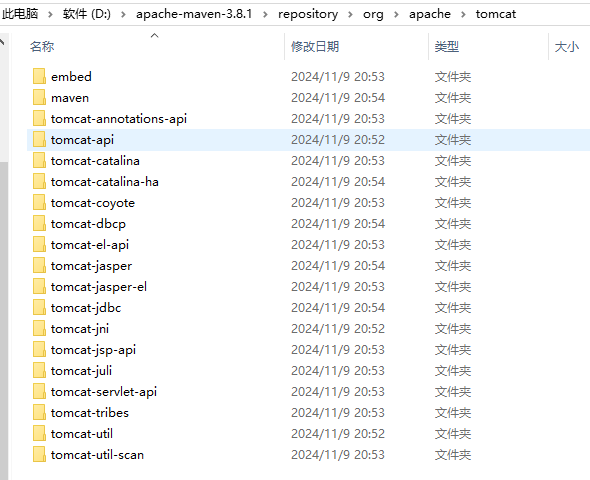
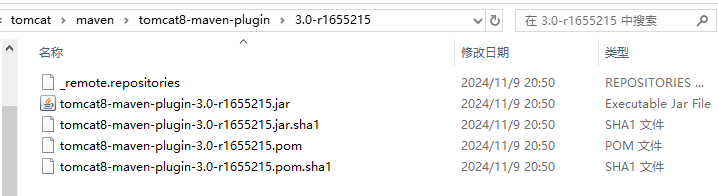
需要多等待一会儿,因为tomcat8有很多相关依赖,这是下载好的依赖:
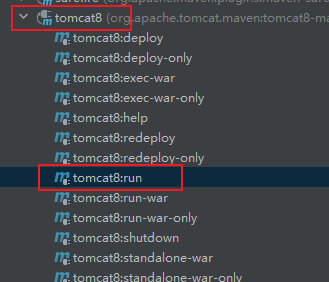
运行tomcat8:run命令:
点击下图中的链接:
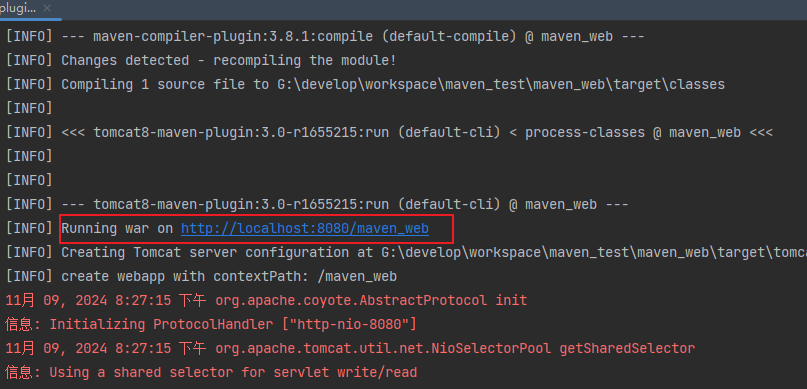
访问成功!
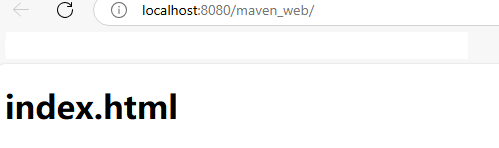
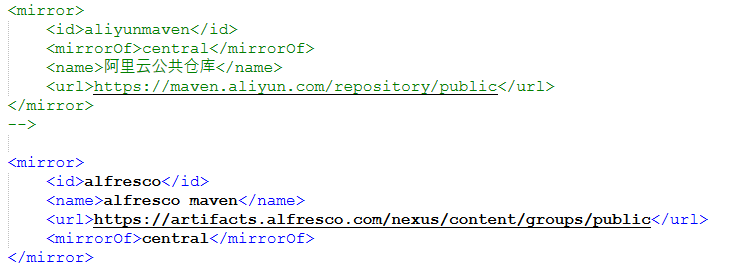
注意:以下非常重要!
使用tomcat8插件启动项目时,需要把阿里云注释掉:
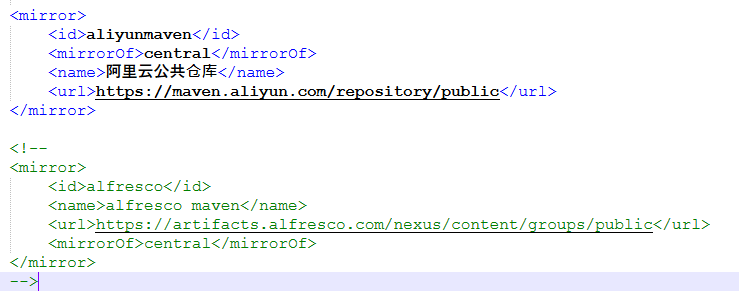
当不使用tomca8插件启动项目时,就把阿里云解开注释,把alfresco注释掉:
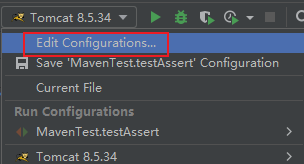
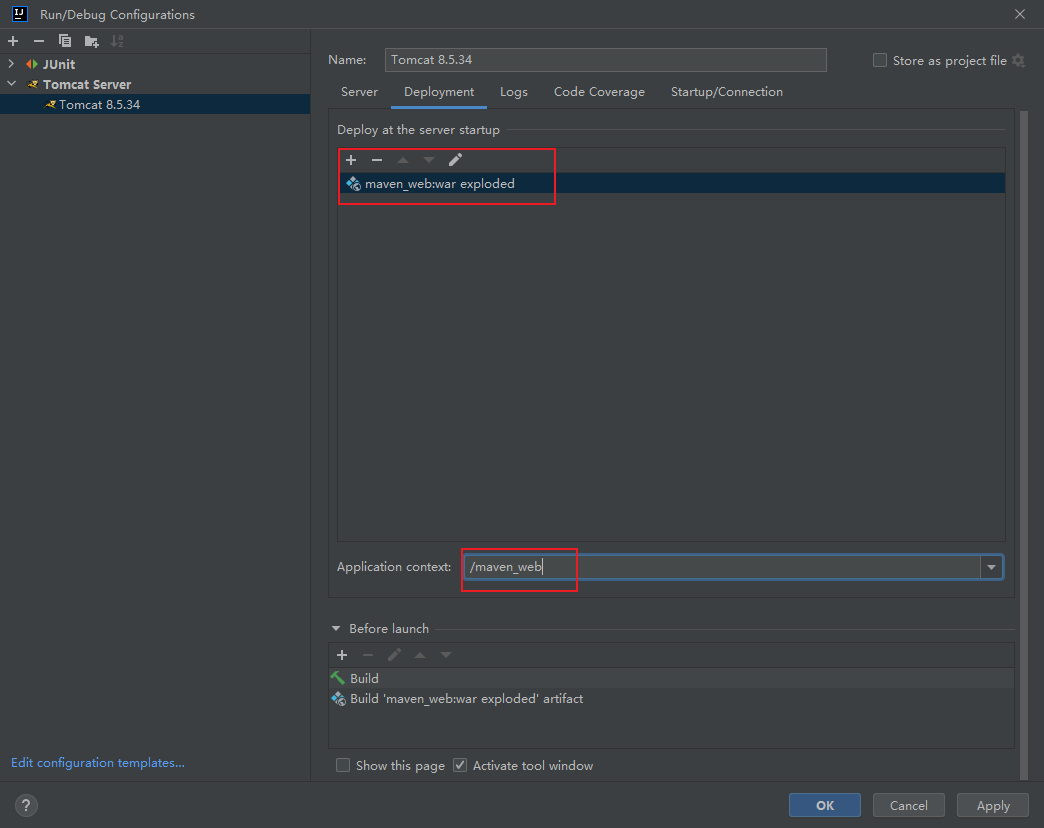
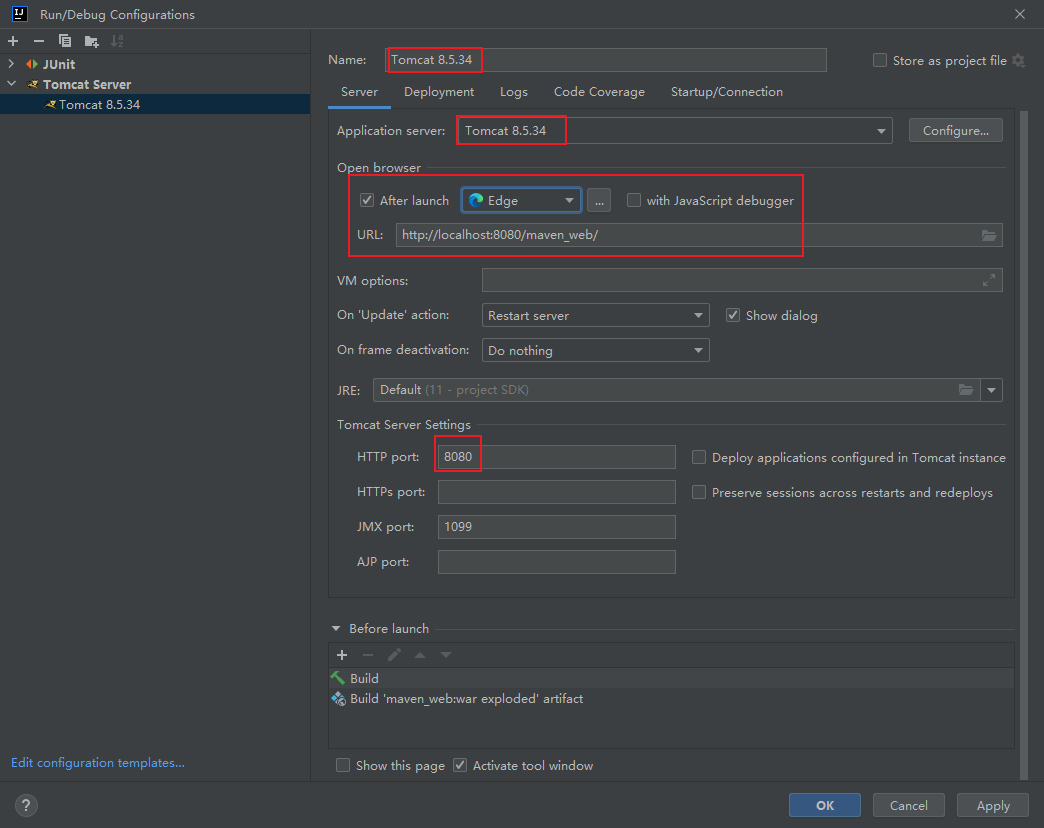
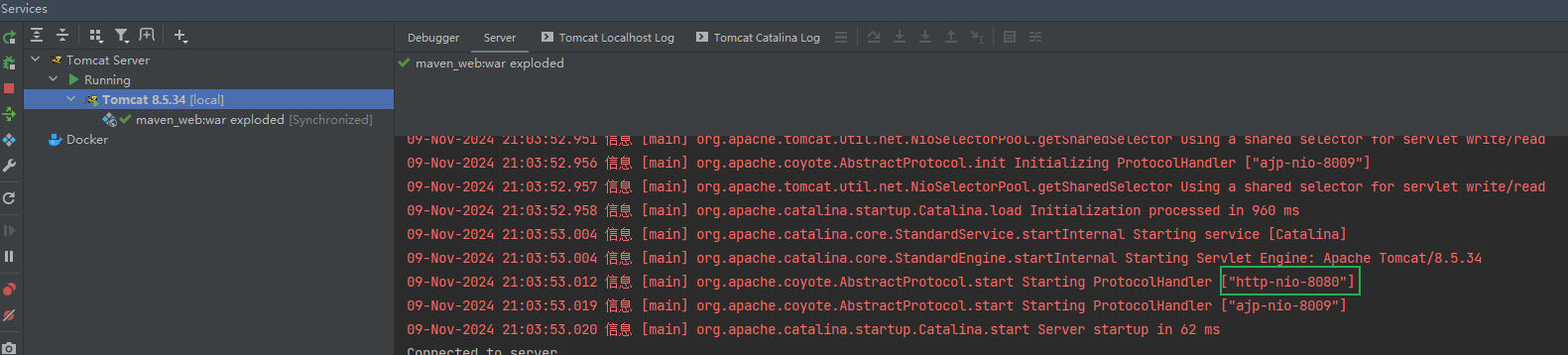
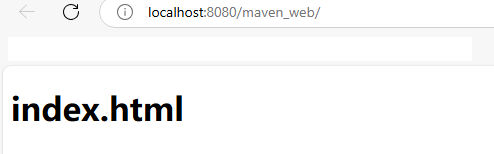
两个仓库有冲突,推荐在Edit Configurations中使用本地Tomcat,速度更快一些,不需要下载那么多依赖:
参考文章:
Maven中如何使用tomcat8的插件
https://mvnrepository.com/artifact/org.apache.tomcat.maven/tomcat8-maven-plugin/3.0-r1655215
Sonatype Nexus Repository
Maven使用tomcat8-maven-plugin插件
[记一记系列]maven使用Tomcat8插件的遇到问题和解决办法
https://github.com/apache/tomcat-maven-plugin/tree/trunk
Maven使用tomcat8-maven-plugin插件
阿里云云效 Maven
这个问题困扰了我两天,找了很多文章都不行,所以网上的文章也不一定可靠,还需要自己动手慢慢调试,实践出真知呀~~