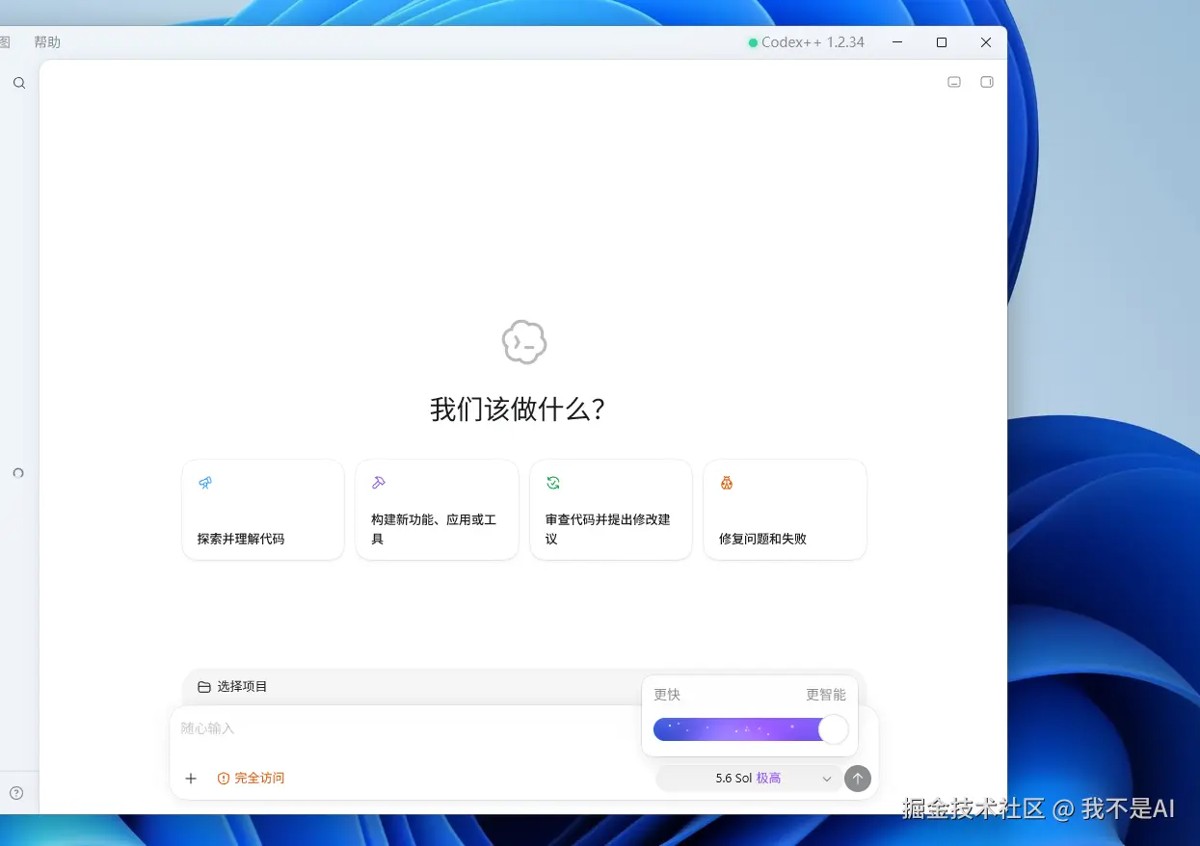
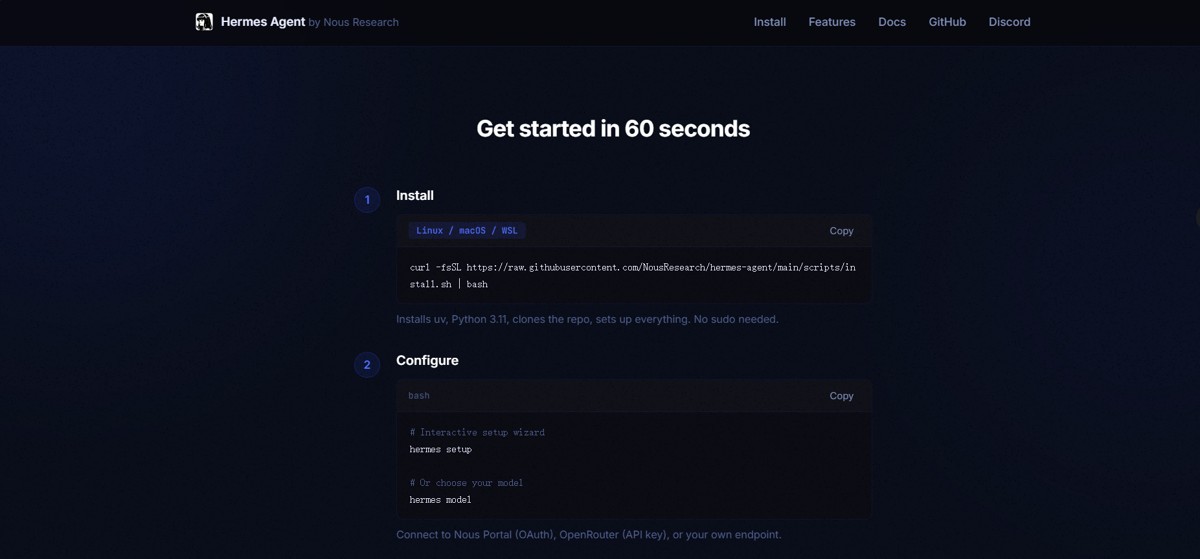
一、准备环境
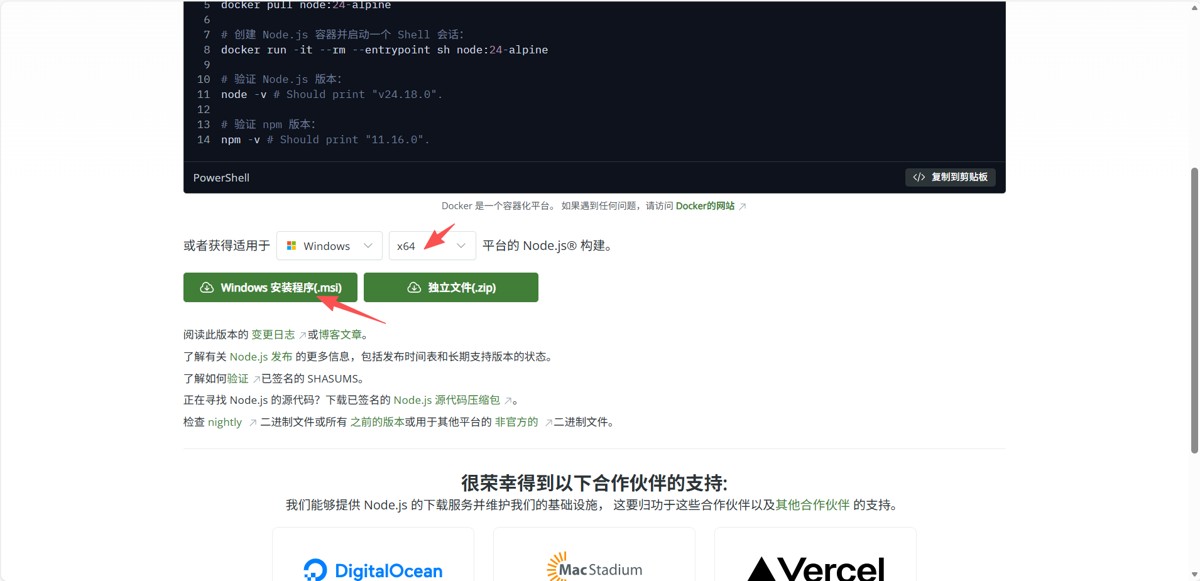
1.1、安装 Node.js
1.2、设置 node.js npm 镜像仓库
|
1 2 |
# 打开 powershell 执行这个命令 npm config set registry https://registry.npmmirror.com |
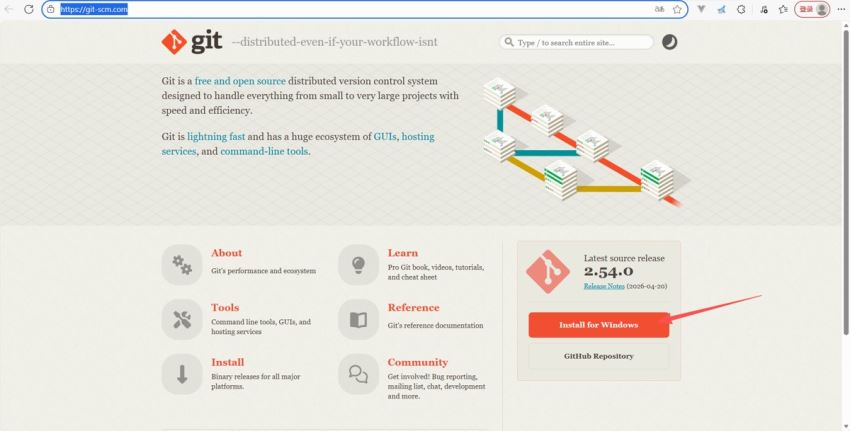
1.3、安装 Git
Git 官方下载地址
1.4、设置 Git 用户名和邮箱
|
1 2 3 |
# 打开 powershell 执行这个命令 git config --global user.name "你的用户名" git config --global user.email "你的邮箱@example.com" |
二、使用 ClaudeCode
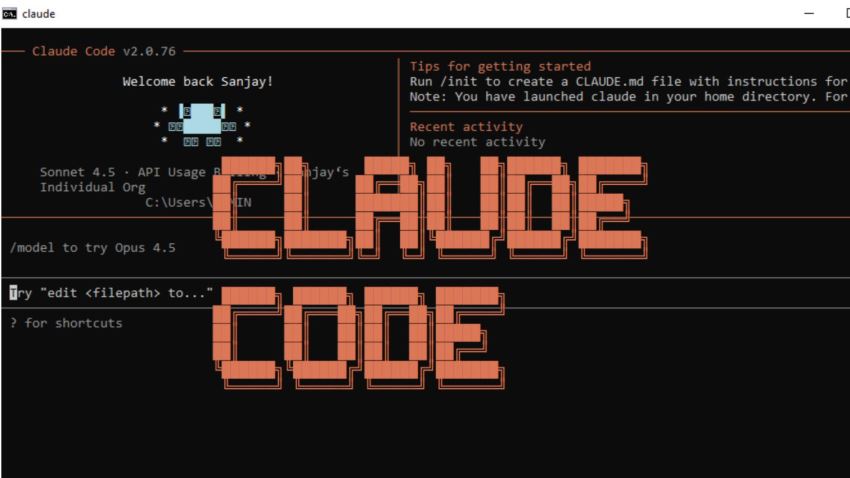
2.1、安装 ClaudeCode
|
1 2 3 4 |
# 打开 powershell 执行这个命令 npm install -g @anthropic-ai/claude-code # 完成后验证是否安装成功 claude --version |
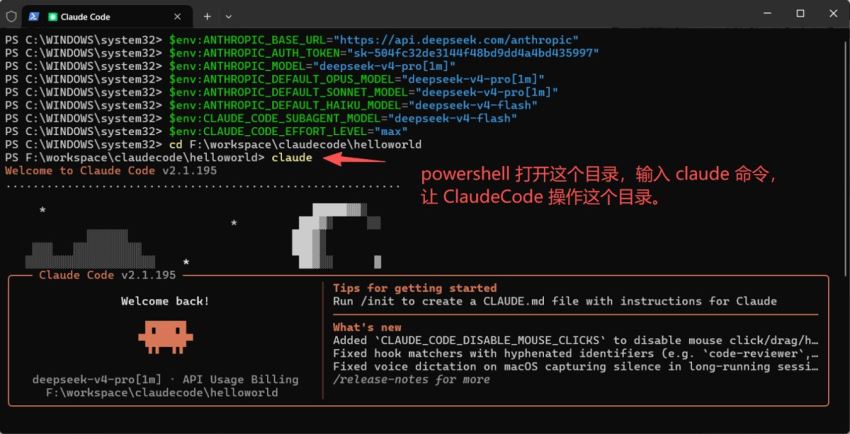
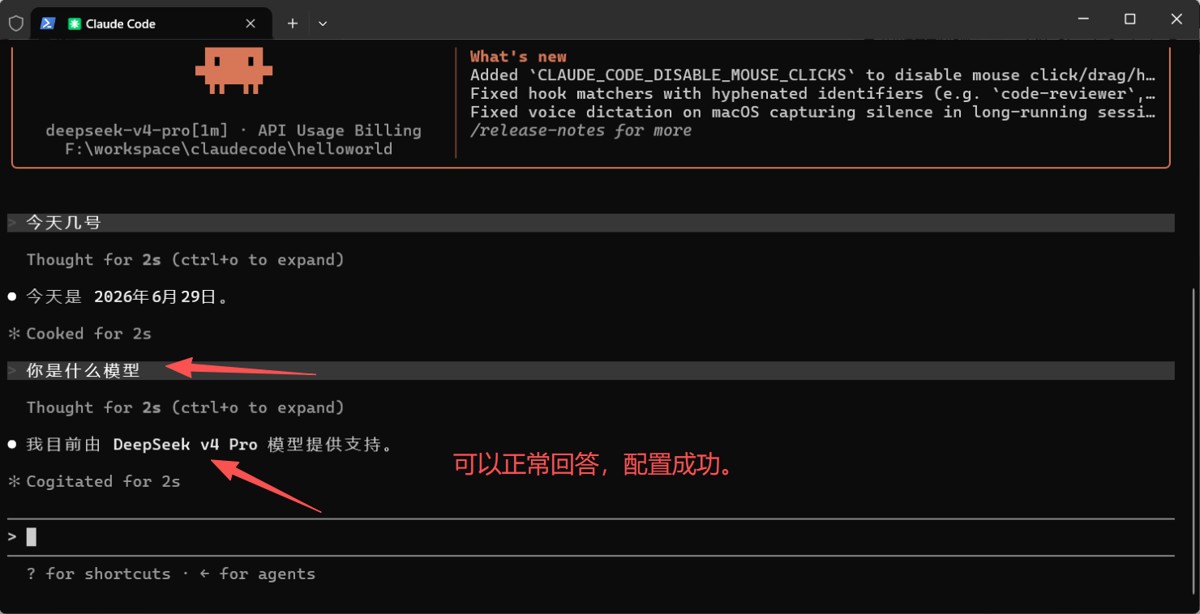
2.2、切换 DeepSeek 大模型
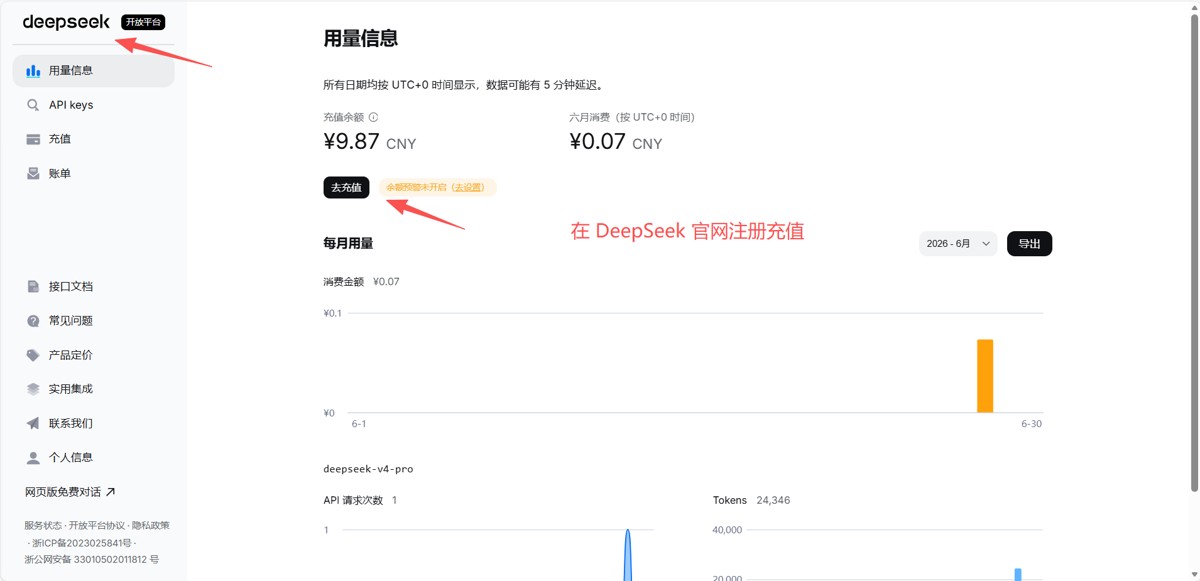
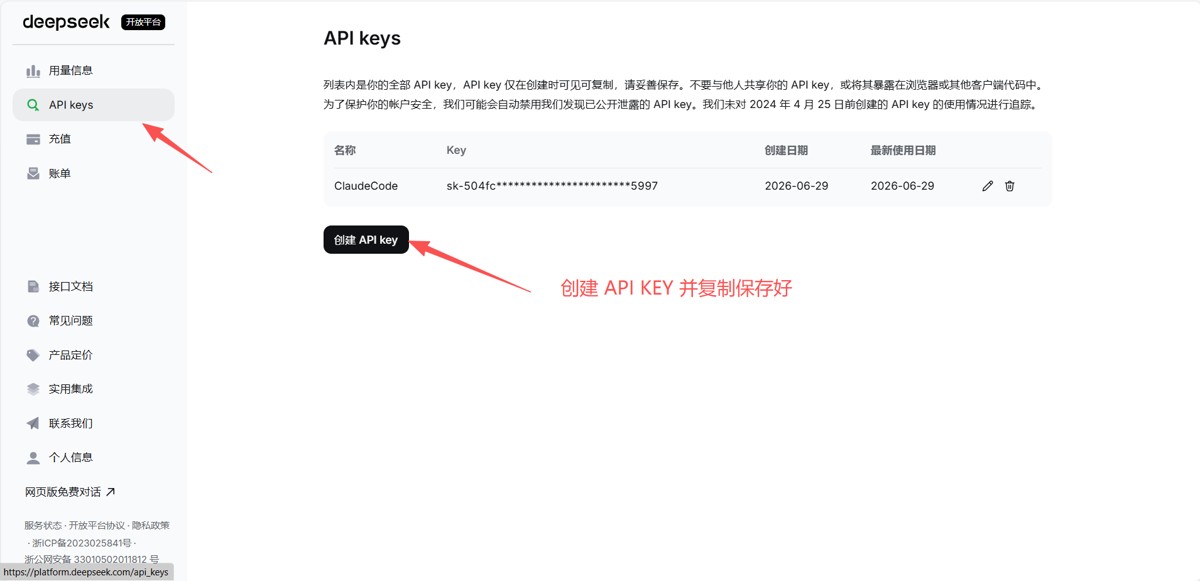
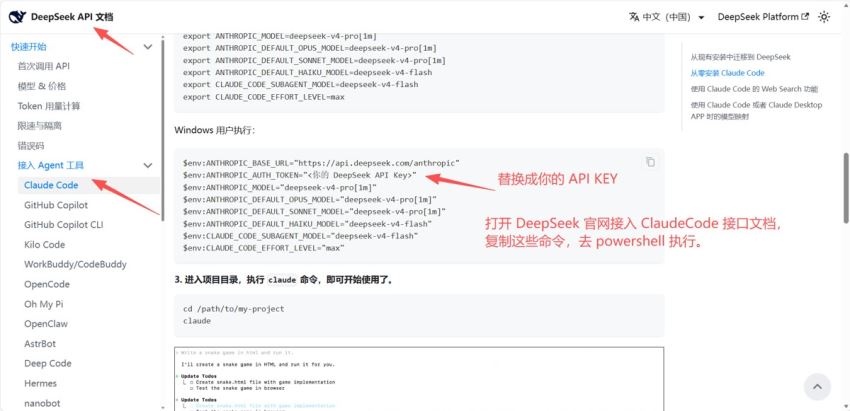
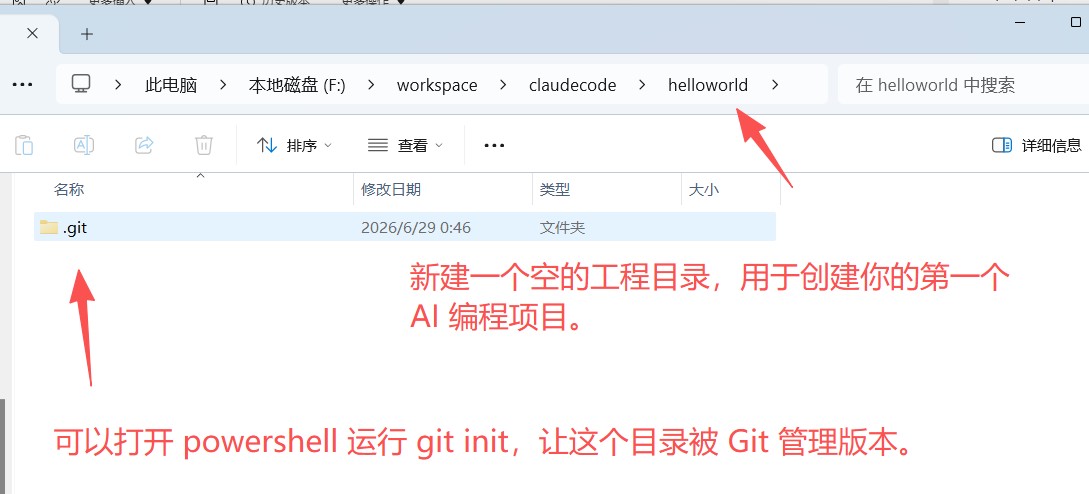
2.3、创建工程目录
原文链接:
相关文章