广告位联系
返回顶部
分享到

Bash脚本实现实时监测登录

linux shell 来源:互联网 作者:佚名 发布时间:2024-11-29 21:00:17 人浏览
摘要

背景介绍:在服务器的运维管理中,及时监控系统的登录日志对保障系统的安全至关重要。通过实时监控登录日志,运维人员可以发现潜在的异常登录行为,防止系统被非法访问。 问题引入:

背景介绍:在服务器的运维管理中,及时监控系统的登录日志对保障系统的安全至关重要。通过实时监控登录日志,运维人员可以发现潜在的异常登录行为,防止系统被非法访问。

问题引入:如何实现实时监控登录日志,并及时响应潜在的安全风险?

实时监控登录日志的意义

安全性:通过监控登录日志,可以迅速发现恶意登录、暴力 破解等异常行为。

合规性:确保满足各种合规要求,记录所有用户的登录行为。

解决方案概述

监控目标:关注登录日志中的关键信息,例如登录时间、IP 地址、用户名、登录方式等。

技术选型:通过编写 Bash 脚本,结合inotify、awk、grep 等工具,来实现对日志文件的实时监控与分析。

脚本实现原理

实时监控:利用 inotify 命令动态监控日志文件的变动,并结合 sed 命令实时提取和输出新增的登录日志。

日志筛选:通过 grep 等工具过滤出登录失败、异常登录等相关信息。

报警机制:脚本可以配置成在监控到异常行为时,自动发送通知邮件

脚本示例

1

2

3

4

5

6

7

8

9

10

11

12

13

14

15

16

17

18

19

20

21

22

23

24

25

26

27

28

29

30

31

32

33

34

35

36

37

38

39

40

41

42

43

44

45

46

47

48

49

50

51

52

53

54

55

56

57

58

59

60

61

62

63

64

65

66

67

68

69

70

71

72

73

74

75

76

77

78

79

80

81

82

83

84

85

86

87

88

89

90

91

92

93

94

95

96

97

98

99

100

101

102

103

104

105

106

107

108

109

110

111

112

113

114

115

116

117

118

119

120

121

122

123

124

125

126

127

128

129

130

131

132

133

134

135

136

137

138

139

140

141

142

143

144

145

146

147

148

149

150

151

152

153

154

155

156

157

158

159

160

161

162

163

164

165

166

167

168

169

170

171

172

173

174

175

176

177

178

179

180

181

182

183

184

185

186

187

188

189

190

191

192

193

194

195

196

197

198

199

200

201

202

203

204

205

206

207

208

209

210

211

212

213

214

215

216

217

218

219

220

221

222

223

224

225

226

227

228

229

230

231

232

233

234

235

236

237

238

239

240

241

242

243

#!/bin/bash

# 作者: 阿杰

# 用途: 实时检测登录日志,统计异常登录

# 脚本名称: watch_secure.sh

# 用法: bash watch_seacure.sh


# 日志记录

log_err() {

  printf "[$(date +'%Y-%m-%dT%H:%M:%S')]: \033[31mERROR: \033[0m$@\n"

}


log_info() {

  printf "[$(date +'%Y-%m-%dT%H:%M:%S')]: \033[32mINFO: \033[0m$@\n"

}


log_warning() {

  printf "[$(date +'%Y-%m-%dT%H:%M:%S')]: \033[33mWARNING: \033[0m$@\n"

}


# 初始化Map

declare -A secureMap


init() {

    # 行数记录文件

    line_file_name="conf/line_file.txt"

    # inode存储文件

    inode_file="conf/inode.txt"

    # 认证失败文件记录

    ssh_auth_failed_file="conf/ssh_auth_failed.csv"


    # 文件列表

    file_array=("$line_file_name" "$inode_file" "$ssh_auth_failed_file")

    # inode 文件状态

    inode_file_status=0

    # 控制是否进行写入 0为可写,1为不可写

    write_status=1


    oneSecureKey=""


    {

        if [ ! -d "conf" ];then

            mkdir conf

        fi

        # 检查文件是否存在

        for file in ${file_array[@]};do

            check_file_exists $file

        done

        line=$(cat $line_file_name)

        if [ -z "$line" ];then

            line=0

        fi

        # 认证失败文件第一次创建

        if [ $(wc -l < $ssh_auth_failed_file) -eq 0 ];then

            # 时间以月天为单位(None为空账号或不存在账号)

            echo "登录认证失败时间,源IP地址,登录账号,连接认证失败次数" > $ssh_auth_failed_file

        fi


    }


    file_name="/var/log/secure"

    if [ -z "$(rpm -qa | grep 'inotify-tools')" ];then

        yum install -y inotify-tools > /dev/null 2>&1

        if [ $? -ne 0 ];then

            log_err "[init] inotify-tools 安装失败!"

        fi

    fi


}

# 检查文件是否存在,不存在则创建

check_file_exists() {

    local file_name=$1

    if [ ! -f "$file_name" ];then

        touch $file_name

        if [ $? -ne 0 ];then

            log_err "[check_file_exists] file: $file_name 文件创建失败!"

        fi

    fi

}


# 监听文件事件

watch_file() {

    inotifywait -mrq --format '%e' --event create,delete,modify $file_name | while read event ;do

        case "$event" in

        MODIFY)

            start_read_file

        ;;

        # 文件被删除或重新创建

        CREATE|DELETE)

            # 重置文件行数

            line=0

            > $line_file_name

            check

        ;;

        *)

            log_warning "[watch_file] watch file event: $event"

        ;;

        esac

    done

}


# 只读一行

read_line_file() {

    ((line++))

    echo $line > $line_file_name

    # 不是指定数据退出

    if [ $(sed -n "$line p" $file_name  | grep 'pam_unix(sshd:auth): authentication failure;' | wc -l ) -ne 1 ];then

        return

    fi

    # 控制是否进行写入

    write_status=0

    oneSecureKey=$(sed -n "$line p" $file_name  |awk -v dateNow=$(date +"%Y") '{

        split($0,rhost,"rhost=")

        split(rhost[2],rhost," ")

        split($0,user," user=")

        if (length(user[2])==0) {

            user[2]="None"

        }

        print dateNow":"$1":"$2","rhost[1]","user[2]

    }')

    log_info "[read_line_file] line: $line data:[$oneSecureKey]"


    send_map $oneSecureKey

}


# 往MAP中塞入数据

send_map() {

    local key=$1

    if [ -n ${secureMap[$key]} ];then

        secureMap[$key]=`expr ${secureMap[$key]} + 1`

    else

        secureMap[$key]=1

    fi

}


wirte_all_secure() {

    for key in ${!secureMap[@]};do

        write_one_secure $key

    done

}


write_one_secure() {

    local key="$@"

    local data=$(grep -w -n "$key" $ssh_auth_failed_file)

    if [ -n "$data" ];then

        local i=$(echo $data | awk -F: '{print $1}')

        local a=$(echo $data | awk -F, '{print $NF}')

        sed -i "${i} s#$a#${secureMap[$key]}#" $ssh_auth_failed_file

        if [ $? -ne 0 ];then

            log_err "[write_secure] 写 $ssh_auth_failed_file 文件失败! data:[$key,${secureMap[$key]}]"

        fi

    else

        # 新数据

        echo "$key,${secureMap[$key]}" >> $ssh_auth_failed_file

        if [ $? -ne 0 ];then

            log_err "[write_secure] 写 $ssh_auth_failed_file 文件失败! data:[$key,${secureMap[$key]}]"

        fi

    fi

    log_info "[write_secure] line: $line status: $write_status data:[$key,${secureMap[$key]}]"

}


# 启动前应先检查是否读取过

check() {

    # 检查预存Inode是否一致

    check_secure_file_inode

}


# 检查登录日志Inode是否一致

check_secure_file_inode() {

    inode=$(ls -i $file_name | awk '{print $1}')

    inode_file_data="$(cat $inode_file)"

    if [ -n "$inode_file_data" ]; then

        if [ $inode -ne $inode_file_data ];then

            log_warning "[check_secure_file_inode] secure file inode is inconsistency"

            # inode不一致,重置

            echo "$inode" > $inode_file

            inode_file_status=1

        else

           inode_file_status=0

        fi

    else

        # 第一次读取

        echo "$inode" > $inode_file

        inode_file_status=1

    fi

}


# 开始读取文件

start_read_file() {

    # 第一次读取

    if [ $inode_file_status -eq 1 ] ;then

        # 使用循环将历史内容读取

        while true;do

            if [ $line -eq $(wc -l < $file_name) ];then

                break

            fi

            read_line_file

        done

        wirte_all_secure

    elif [  $line -ne $(wc -l < $file_name) ];then

        # 使用循环将行数对齐

        while true;do

            if [ $line -eq $(wc -l < $file_name) ];then

                break

            fi

            read_line_file

            if [ $write_status -eq 0 ];then

                write_one_secure $oneSecureKey

            fi

            # 状态设置为1

            write_status=1

        done

    # else

    #     read_line_file

    #     if [ $write_status -eq 0 ];then

    #         write_one_secure $oneSecureKey

    #     fi

    #     # 状态设置为1

    #     write_status=1

    fi

}


test_main() {

    init

    check_secure_file_inode


}


main() {

    # 初始化

    init

    # 内容检查

    check

    start_read_file

    log_info "[main] watch secure startd"

    watch_file

}


main


版权声明 : 本文内容来源于互联网或用户自行发布贡献,该文观点仅代表原作者本人。本站仅提供信息存储空间服务和不拥有所有权,不承担相关法律责任。如发现本站有涉嫌抄袭侵权, 违法违规的内容, 请发送邮件至2530232025#qq.cn(#换@)举报,一经查实,本站将立刻删除。
原文链接 :
相关文章
  • 使用Shell实现ini文件的读写的介绍
    自己写小工具需要用到shell读写ini文件,在网上找了很多资料,自己整理的目前使用没问题的代码如下: set代码: 1 2 3 4 5 6 7 8 9 10 11 12 13
  • Bash脚本实现实时监测登录
    背景介绍:在服务器的运维管理中,及时监控系统的登录日志对保障系统的安全至关重要。通过实时监控登录日志,运维人员可以发现潜在
  • Linux sort命令具体使用介绍
    sort是 Linux 中用于对文件或标准输入的文本内容进行排序的命令。它支持按数值、字典序、月份、随机等方式排序,并可以控制排序顺序(升
  • shell set -u 和set +u的具体使用
    shell中 ,set -u之后,使用没有初始化的变量,会导致报错 set -u: 表示该命令之后,当命令使用到未定义过的变量时,脚本直接退出,后续命令
  • 使用curl命令查看服务器端口开放情况的方法

    使用curl命令查看服务器端口开放情况的方法
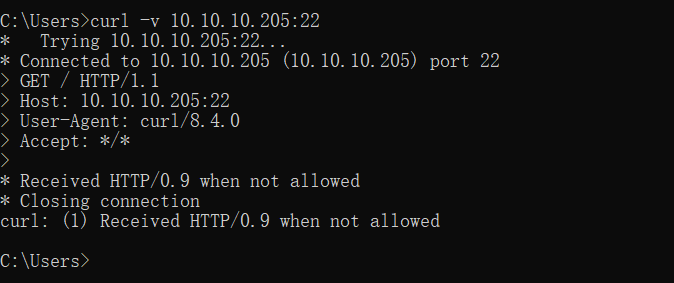
    1.ssh端口 22 curl -v 10.10.10.205:22 1 2 3 4 5 6 7 8 9 10 11 curl -v 10.10.10.205:22 * Trying 10.10.10.205:22... * Connected to 10.10.10.205 (10.10.10.205) port 22 GET / HTTP/1.1
  • linux命令中的大于号、小于号的作用及代表的意思

    linux命令中的大于号、小于号的作用及代表的意思
    在linux中,大家也许会经常看到 、 、 、、这几个小于号、大于号,那么他们分别代表什么意思呢? 好的我们来实验下先,先创建个 test.t
  • 进程状态ps -ef中的e、f含义讲解

    进程状态ps -ef中的e、f含义讲解
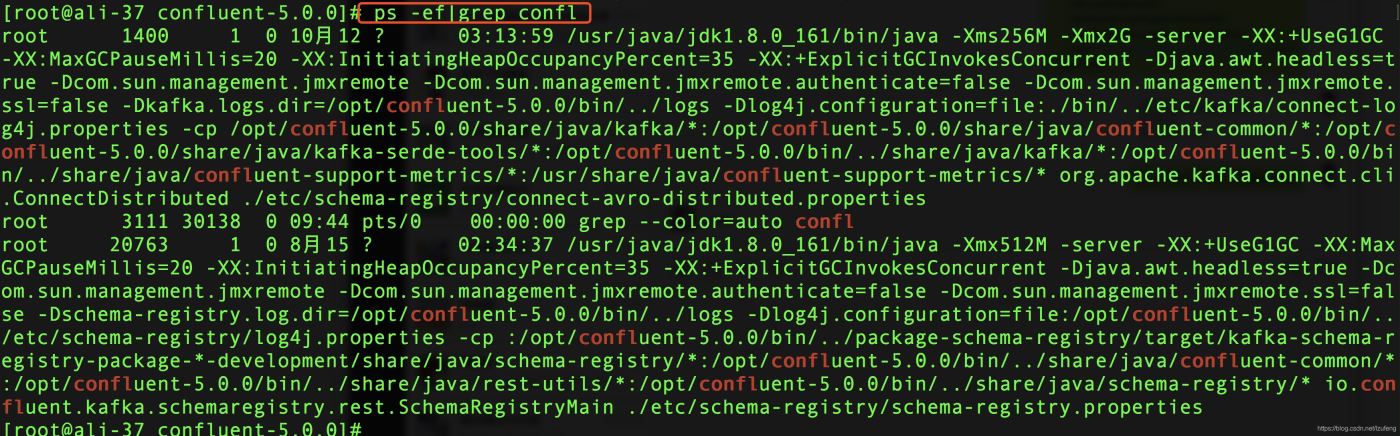
    linux或mac控制台下输入ps -ef | grep 关键字可以查看是否有相应的进程启动信息中包含关键字。如: ps的意思是process status,即进程状态。在控
  • Linux中的grep -v、-e、-E用法小结
    grep(global search regular expression(RE) and print out the line,全面搜索正则表达式并把行打印出来)是一种强大的文本搜索工具,它能使用正则表达式搜
  • Linux实现彻底清理空文件夹的方法

    Linux实现彻底清理空文件夹的方法
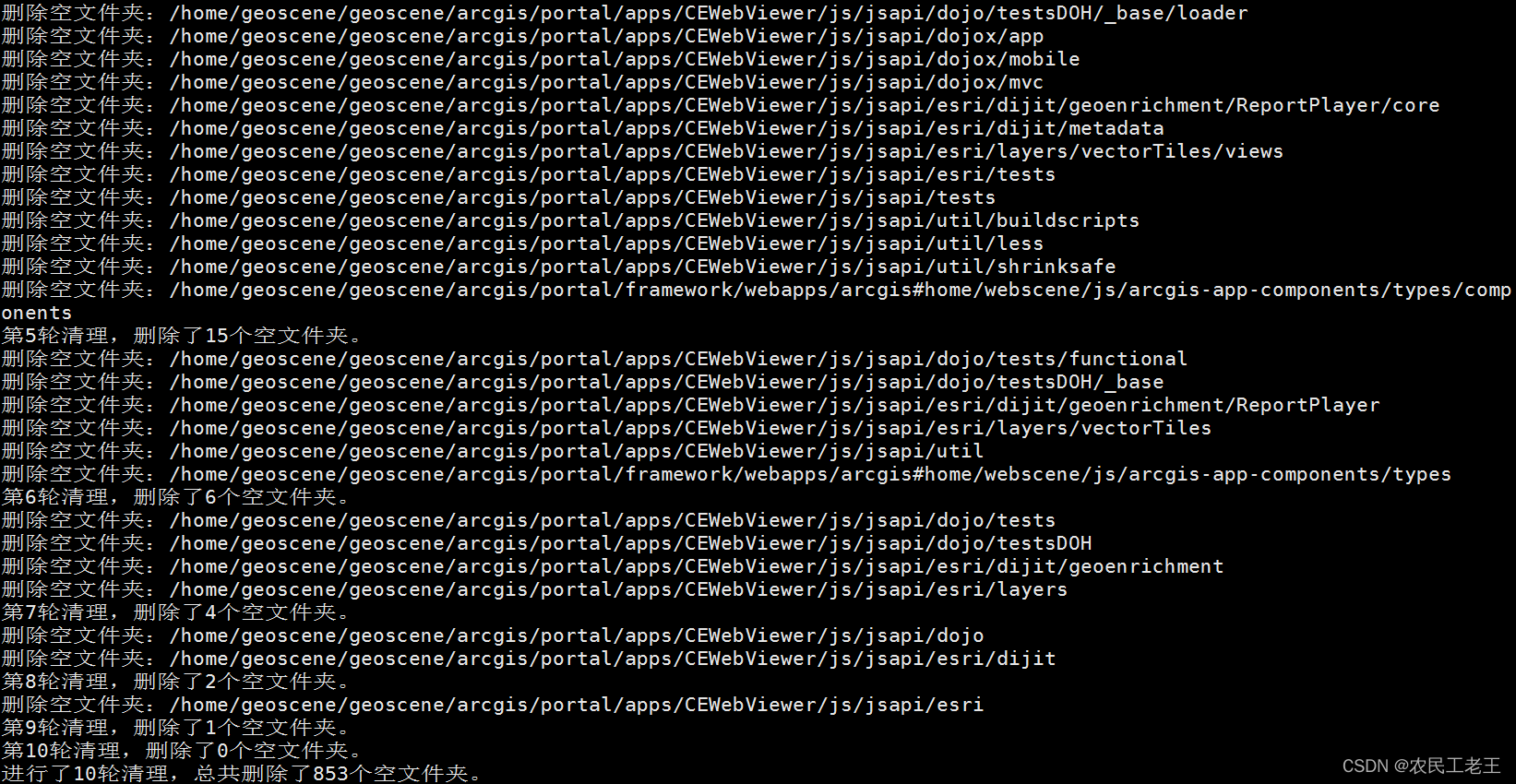
    最近工作中遇到一个需求删除指定路径下的所有空文件夹。这里的空文件夹的认定标准是:如果某个文件夹的子文件夹全是空文件夹,也认
  • shell脚本实现字符串的动态替换方法

    shell脚本实现字符串的动态替换方法
    我们有时候需要完成字符串的多组替换,比如需要完成以下替换 将小草替换为真是让人印象深刻 将小狗的替换为可爱的 将你听清楚了吗替
  • 本站所有内容来源于互联网或用户自行发布,本站仅提供信息存储空间服务,不拥有版权,不承担法律责任。如有侵犯您的权益,请您联系站长处理!
  • Copyright © 2017-2022 F11.CN All Rights Reserved. F11站长开发者网 版权所有 | 苏ICP备2022031554号-1 | 51LA统计