

Angular路由404错误NG04002的根本原因与正确解决方案

angular 报错 cannot match any routes. url segment: agregar-producto 通常并非路由配置缺失,而是模板中错误使用 `href` 导致浏览器强制跳转、绕过 angular 路由器,使路由无法被识别和激活。 在 Angular 应用中
|
angular 报错 “cannot match any routes. url segment: 'agregar-producto'” 通常并非路由配置缺失,而是模板中错误使用 `href` 导致浏览器强制跳转、绕过 angular 路由器,使路由无法被识别和激活。 在 Angular 应用中,<a href="..."></a> 是原生 HTML 链接行为:点击时会触发完整页面重载(full page reload),浏览器直接向服务器请求 /agregar-producto 路径——而 Angular 的客户端路由(Client-Side Routing)此时根本未启动,自然无法匹配任何 routes,最终抛出 NG04002 错误。 ? 正确做法是使用 Angular 提供的 routerLink 指令,它通过 Router 服务实现无刷新导航(SPA 核心特性),确保路由解析完全由 Angular 控制。 ? 正确修改步骤1. 更新 app.component.html 中所有导航链接将 href 替换为 routerLink,并移除斜杠前缀(推荐使用相对/绝对路径语义清晰的写法):
2. 确保 AppRoutingModule 或 RouterModule 已导入至组件由于你使用的是 Standalone 模式(standalone: true),需显式导入 RouterModule(而非旧版 AppRoutes 模块):
3. 验证路由配置(你当前配置已正确 ?)你的 app.routes.ts 定义规范:
只要组件 AgregarProductoComponent 存在且导出正确,该路由即可被匹配。 ?? 注意事项
? 总结NG04002 错误绝大多数情况下是 模板层未启用 Angular 路由机制 所致。只需两步即可解决: |
您可能感兴趣的文章 :

-
Angular路由404错误NG04002的根本原因与正确解决方案
angular 报错 cannot match any routes. url segment: agregar-producto 通常并非路由配置缺失,而是模板中错误使用 `href` 导致浏览器强制跳转、绕过 angula -
CSS place-items: center解析与用法
place-items: center; 是一个强大的 CSS 简写属性,用于同时控制 网格(Grid) 和 弹性盒(Flexbox) 布局中的对齐方式。它的作用相当于同时设置: 1 2 -
CSS中的Static、Relative、Absolute、Fixed、Sticky的应用
CSS 中的 position 属性用于控制元素的定位方式,不同的定位方式会影响元素在页面中的布局和层叠关系。以下是 static、relative、absolute、fix -
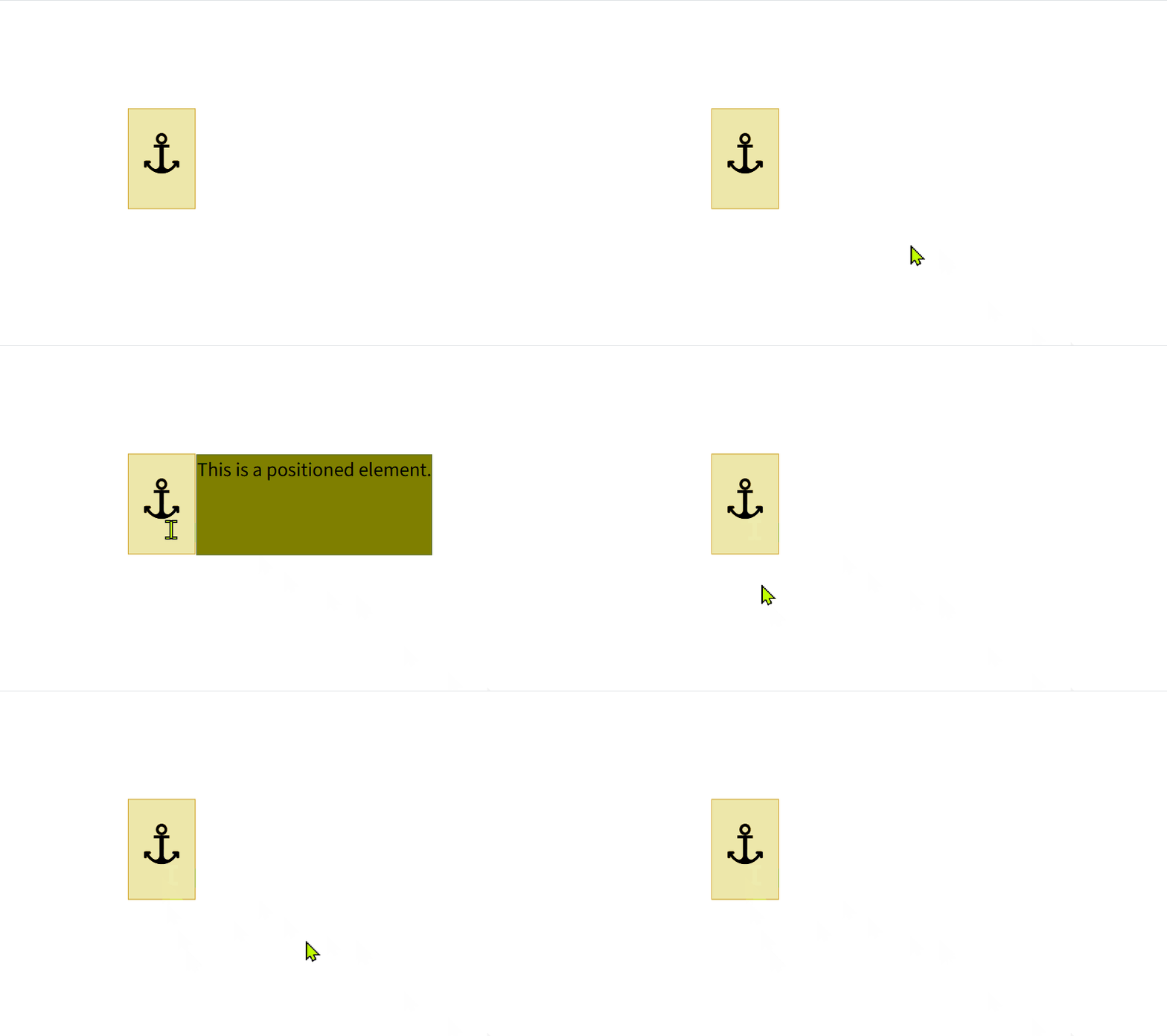
CSS Anchor Positioning重新定义锚点定位的时代来临
???? CSS Anchor Positioning:重新定义「锚定定位」的时代来了! 你是否在做 Tooltip、Popper、气泡卡片时,被繁杂的定位计算和 JS 逻辑折磨?CSS -
基于HTML5 Canvas实现图片旋转与下载功能
在 Web 开发中,经常会遇到需要对图片进行处理并提供下载功能的需求。本文将深入剖析一段基于 HTML5 Canvas 的代码,该代码实现了图片的旋 -
HTML5 中的<button>标签用法和特征
在HTML5中,button标签用于定义一个可点击的按钮,它是创建交互式网页的重要元素之一。与input type=button相比,button标签提供了更多的灵活性 -
HTML5搜索框Search Box介绍
HTML5 搜索框(Search Box)详解 搜索框是一个用于输入查询内容的控件,通常用于网站或应用程序中,以便用户快速查找信息。HTML5引入了一些 -
HTML5无插件拖拽图片上传功能实现过程
本实例展示了一种基于HTML5技术的图片上传功能,无需外部插件即可通过拖放图片实现上传。涉及到HTML5的拖放API和File API,以及使用CSS来增 -
HTML5定位大全之相对定位、绝对定位和固定定位
在HTML5和CSS中,定位(positioning)是控制元素在页面上位置的重要机制。主要有四种定位方式:静态定位(static)、相对定位(relative)、绝对定位(




-
HTML5+CSS+JavaScript实现捉虫小游戏的代码
2021-10-12
-
Html5播放hls格式的视频代码
2024-08-28
-
canvas绘制折线路径动画实现
2021-05-12
-
HTML5表单的自动验证、取消验证、自定
2024-09-23
-
canvas绘制太极图的实现
2020-05-01