

DeepSeek Harness安装与插件配置的使用

DeepSeek Harness(简称 dsh)是 DeepSeek 开源的 Agent 框架,核心设计理念是一切皆插件模型、工具、会话、UI 等所有能力均由插件组合而成,可以自由替换和灵活重组。本文档提供从环境安装到插件
|
DeepSeek Harness(简称 dsh)是 DeepSeek 开源的 Agent 框架,核心设计理念是 “一切皆插件” ——模型、工具、会话、UI 等所有能力均由插件组合而成,可以自由替换和灵活重组。本文档提供从环境安装到插件配置的完整指南。 一、环境准备1.1 Node.js 版本要求dsh 对 Node 版本有硬性要求,package.json 中的 engines 约束为 ^22.19.0 || >=24.0.0,即 Node 22.19.0 及以上,或 24.0.0 及以上。 推荐使用 nvm 管理 Node 版本(避免影响现有项目):
1.2 安装 pnpm
1.3 获取 DeepSeek API Key登录 DeepSeek 开放平台,在 API Keys 页面创建密钥,立即复制保存(只显示一次)。 二、安装 DeepSeek Harness方式一:npx 一行命令(推荐,快速体验)
首次运行自动下载依赖,终端输出 http://127.0.0.1:3080 后浏览器打开即可。
方式二:从源码构建(适合二次开发/阅读源码)
启动成功后浏览器打开 http://127.0.0.1:3080,左下角进入 Settings → Models 填入 DeepSeek API Key,选择工作区目录即可开始使用。 三、安装 dsh-install 管理插件@dsh-tools/dsh-install 是官方安装管理插件,提供 CLI + 斜杠命令 + 热挂载聚合器,用于安装和管理 MCP 服务器及 Skills。 3.1 安装插件包(一次性,每个 profile 各装一次)
首次安装会初始化 install profile 并下载 dsh-base(数百 MB,属正常)。输出中的 [WARN] Issues with peer dependencies found 是设计预期——插件把 cordis 等声明为 peerDependencies,复用 Harness 自带的依赖。 3.2 启用聚合器行(一次手工配置)用文本编辑器打开 ~/.dsh/profiles/web/cordis.patch.yml(Windows 路径为 C:\Users\<用户名>\.dsh\profiles\web\cordis.patch.yml),将空列表 [] 改为:
默认禁用是刻意设计:装插件不应静默拉起子进程,启用必须显式。 3.3 重启一次 Web
3.4 验证安装
Web 界面输入 /,斜杠菜单中应出现 /mcp、/skills;新会话中可见 mcp__everything__* 工具。 3.5 安装 MCP 服务器与 Skills
四、批量安装社区插件以下为常用插件的一键安装命令:
插件功能说明
其他常用插件
五、插件管理命令速查
六、常见问题1. npx 安装卡住九成是网络问题。可切换国内 npm 镜像源,或改用源码方式安装。 2. Node 版本不符检查 Node 版本:node -v。若低于 22.19.0,使用 nvm 切换:nvm use 22.19.0。 3. 安装后插件不生效确保已完整重启 dsh web。bundle 层只在启动时读入,运行中的旧进程看不到新增插件。 4. peer dependencies 警告[WARN] Issues with peer dependencies found 是设计预期——插件复用 Harness 自带的依赖,警告可忽略。 5. pnpm 11 构建拦截(ERR_PNPM_IGNORED_BUILDS)若安装 GitHub 源插件被 pnpm 拦截,需将对应包名加入 profile 的 pnpm-workspace.yaml 的 allowBuilds 中后重试。 七、参考资源 |
您可能感兴趣的文章 :
- DeepSeek Ollama部署实战教程介绍
- DeepSeek集成VSCode与QtCreator的方案
- DeepSeek Harness+MCP开源部署指南:从插件架构到工具调用
- DeepSeek Harness打不开的解决方案:三步排查启动器、插件与API请求链路
- 如何将已有的Codex对话导入DeepSeek Harness(DSH)
- Docker本地部署DeepSeek Harness的完整教学
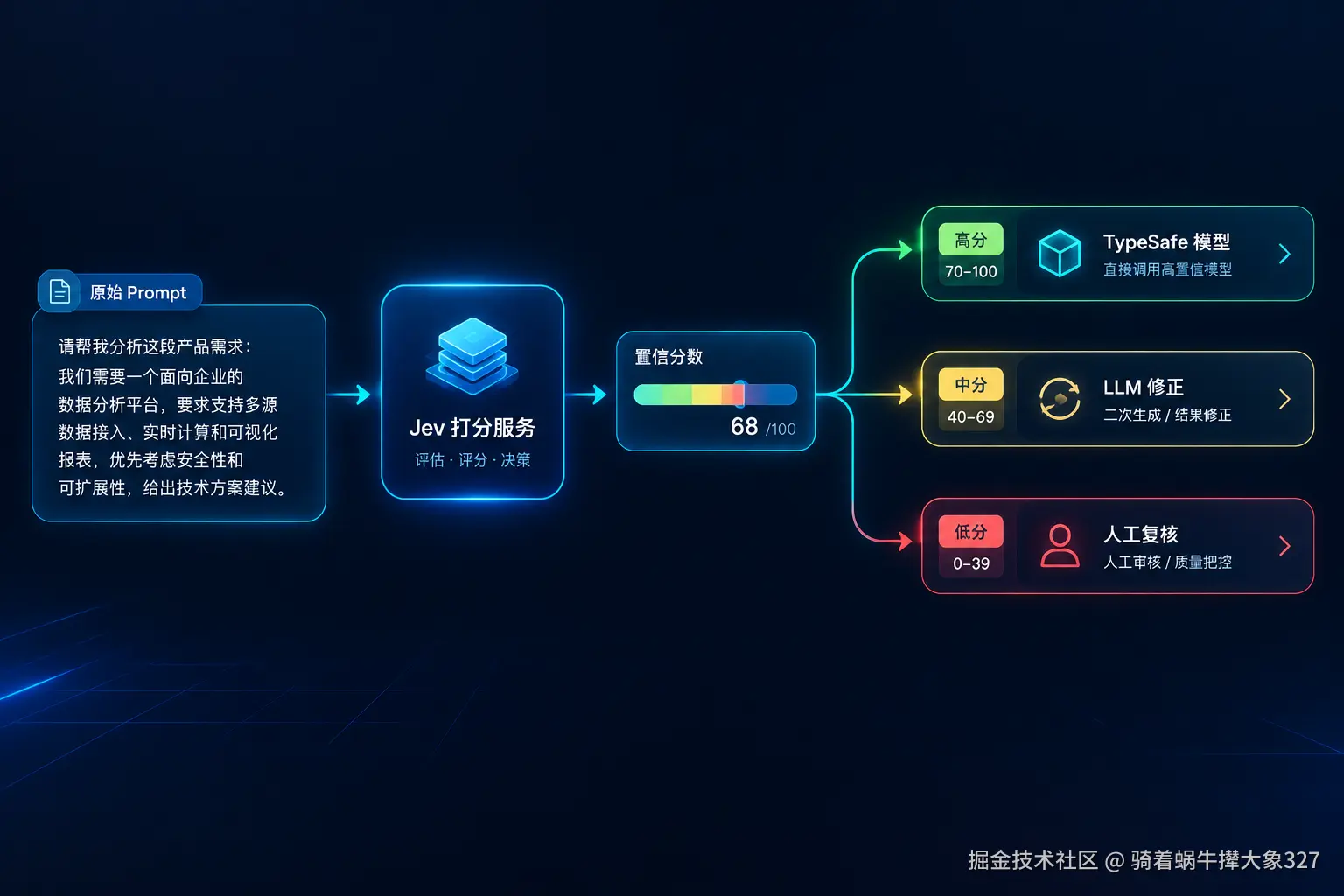
- Jev工程实践记录:在 Agent Harness 里放一个"快思考层"
- DeepSeek Harness插件推荐:2026年最值得先装的10个dsh插件
- DeepSeek Harness之dsh框架的动态System Prompt组装机制与插件化设计
- 2026年DeepSeek V4.1 Flash部署完整介绍

-
DeepSeek Ollama部署实战教程介绍
从零基于 Ollama 部署 DeepSeek 大模型完整实战指南 目标:本文从零开始,手把手带你在本地(Windows / Linux / macOS)使用 Ollama 完成 DeepSeek 大模 -
DeepSeek Harness安装与插件配置的使用
DeepSeek Harness(简称 dsh)是 DeepSeek 开源的 Agent 框架,核心设计理念是一切皆插件模型、工具、会话、UI 等所有能力均由插件组合而成,可以 -
11个提升Claude Code战斗力的顶级Skills介绍
核心观点:Skills本质上是SKILL.md文件,用于定义特定场景下的触发条件和执行流程。Claude Code会自动扫描加载,帮助AI按规范流程工作。本文 -
Claude Code Skill质量检查实战:用/skill-doctor + Plugin
这周建议你把精力从再做一个新 Skill切换到如何验证 Skill 真的有效。 原因很简单:最近 Claude Code 的更新里,出现了两个正好适合做实操文 -
Jev报错401 / api_key_required怎么解决?TypeSafe AI官方错
Jev 是硅谷初创公司 TypeSafe AI 于 2026 年 9 月 15 日发布的首个System One Model(系统一模型),由前 OpenAI 研究员 Diogo Almeida 带队研发,9 月 21 日 -
Codex长会话上下文管理实现会话拆分与状态交接的
用好 Codex 之类的编程智能体,决定上限的往往不是会不会写提示词,而是上下文管理能力。我们团队用 Codex 快半年,从最初一个会话干到底 -
DeepSeek集成VSCode与QtCreator的方案
将 DeepSeek 集成到 VS Code 和 Qt Creator 的核心思路是利用其兼容 OpenAI API的特性,通过安装支持自定义 API 端点的插件来实现。DeepSeek 本身不直接 -
VS Code 联动 Claude Code安装教程
适用系统:Ubuntu 1. 前置准备 1.1 系统要求 操作系统:Ubuntu 20.04 或更高版本 Node.js:18.x 或更高版本 npm:9.x 或更高版本 1.2 检查环境版本 1



-
Hermes Desktop极简安装教程
2026-07-02
-
Codex下载与登录全流程分析(Windows/ma
2026-06-24
-
Codex CLI配置自定义AI API的完整指南:从
2026-09-06
-
从零到高效开发介绍Codex本地安装与使
2026-06-01
-
Claude Code配置本地Ollama模型或别的模型
2026-06-27