
Python使用VSCode+Anaconda+DeepSeek开发软件并打包为exe

本文面向Python新手,全程实操无冗余理论,基于VSCode+Anaconda Prompt环境,完成从DeepSeek辅助生成Python代码、调试运行,到最终打包为可双击运行的exe文件的全流程,同时补充Anaconda Prompt与Command
|
本文面向Python新手,全程实操无冗余理论,基于VSCode+Anaconda Prompt环境,完成从DeepSeek辅助生成Python代码、调试运行,到最终打包为可双击运行的exe文件的全流程,同时补充Anaconda Prompt与Command Prompt的核心区别,解决新手打包常见报错,建议收藏跟着步骤一步步操作。 一、工具确认与安装(基础前提,必做)
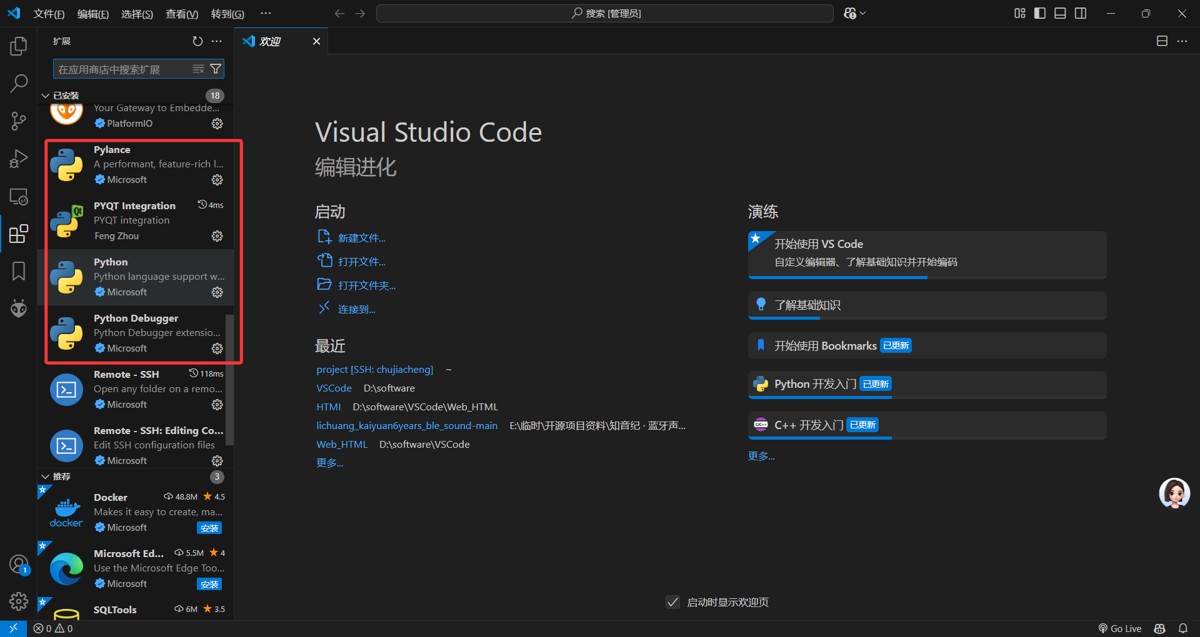
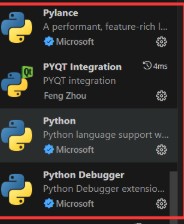
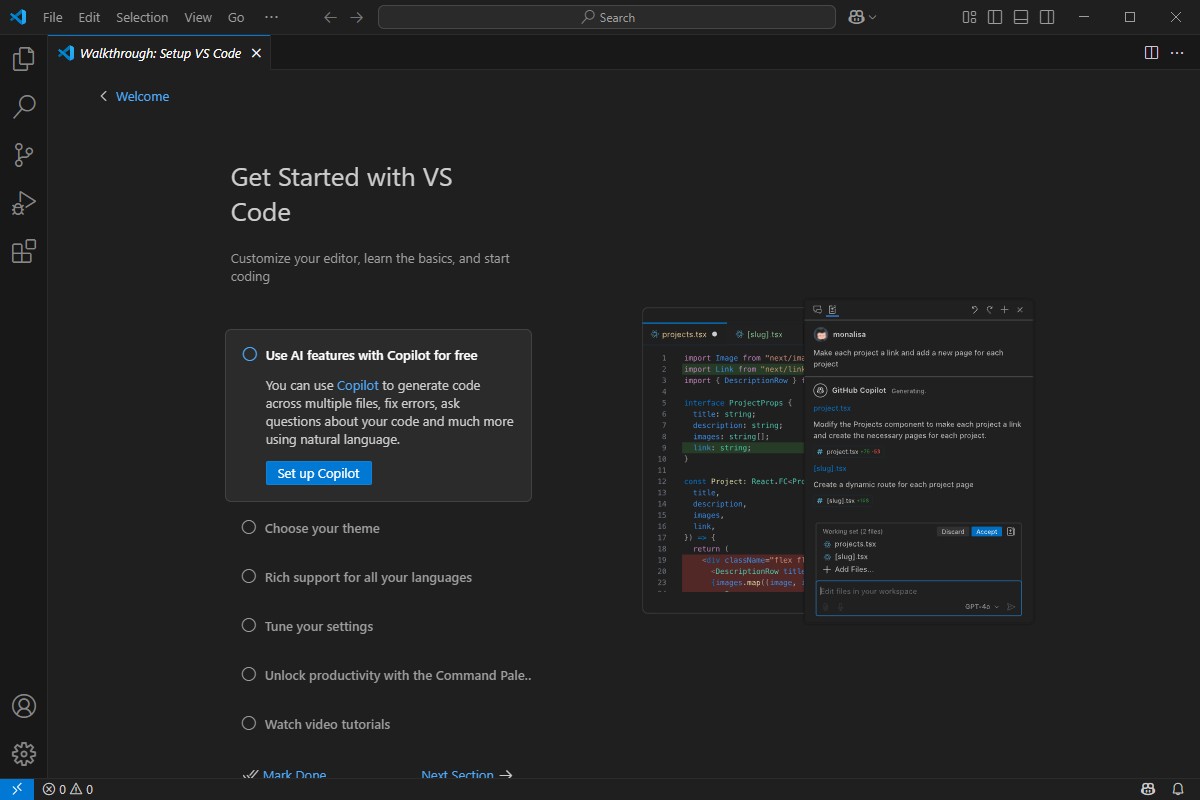
1.1 VSCode安装与配置
1.2 Anaconda安装与环境配置
二、图片选择与DeepSeek代码生成与调试(核心开发环节)
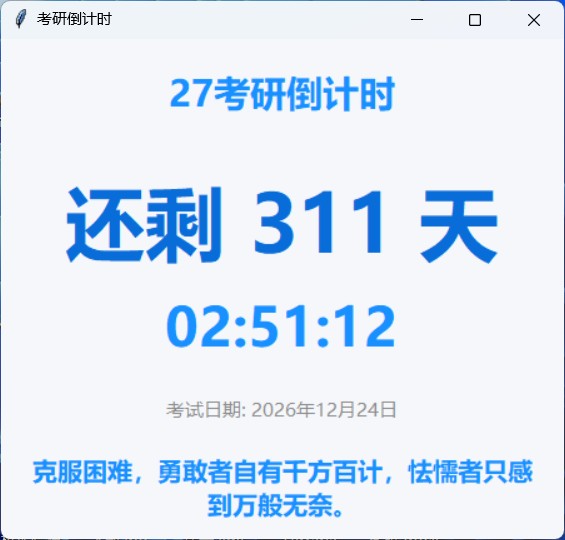
2.1 图片选择与准备
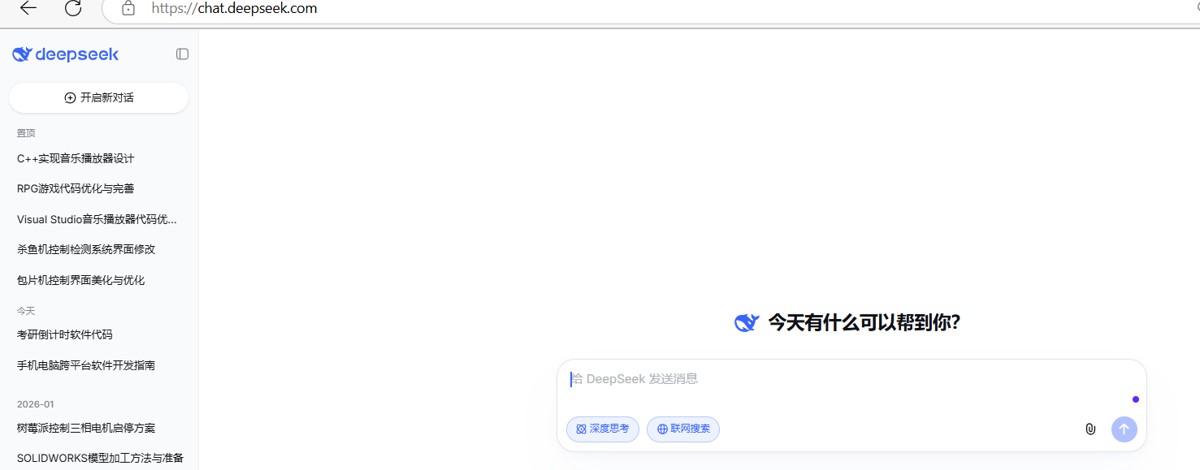
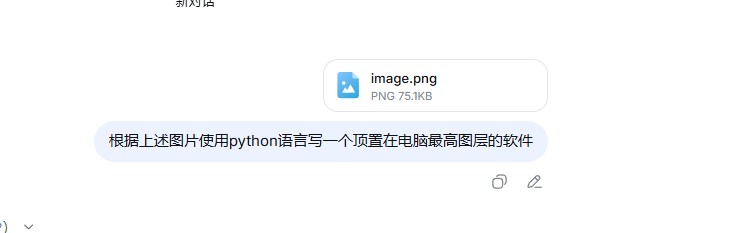
2.2 DeepSeek代码生成(精准提示词是关键)
2.3 VSCode代码调试(必做,避免打包后无法运行)
三、使用Anaconda打包(核心打包环节,VSCode+Anaconda Prompt结合)
3.1 打包前准备(关键,避免打包失败)
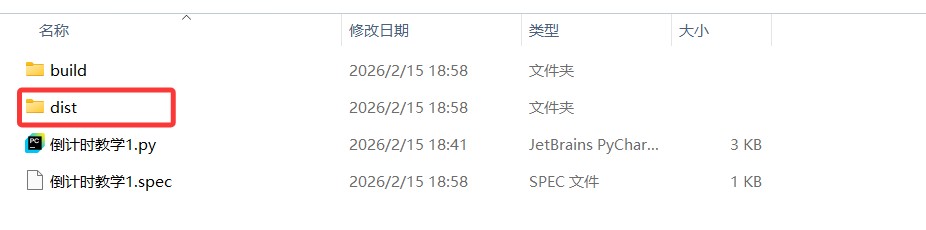
3.2 执行打包命令(核心步骤)
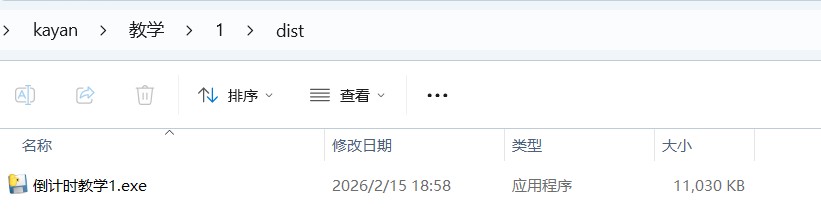
3.3 找到exe文件并验证
四、拓展:Anaconda Prompt和Command Prompt是什么以及区别
4.1 两者定义(通俗版)
4.2 核心区别(结合本次实操,重点)
4.3 补充说明
五、总结与注意事项(必看,避坑关键)
|


您可能感兴趣的文章 :

-
Python使用VSCode+Anaconda+DeepSeek开发软件并打包为e
本文面向Python新手,全程实操无冗余理论,基于VSCode+Anaconda Prompt环境,完成从DeepSeek辅助生成Python代码、调试运行,到最终打包为可双击运 -
vscode+anaconda搭建python虚拟环境全攻略
在当今数字化时代,Python 作为一种功能强大且易于学习的编程语言,被广泛应用于数据科学、人工智能、Web 开发等众多领域。为了顺利开启 -
AI对话中的“停止生成”与“重新回答”交互逻辑
在当前的AI应用开发浪潮中,很多从传统Web转型AI的开发者(包括曾经的我)容易陷入一个误区:认为只要调通了LLM的API,把文本渲染到页面 -
Python利用正则提取字符串中数字的方法
方法1:最简单直接的方法(推荐) 1 2 3 4 5 6 7 8 9 10 11 12 import re text = cn_000858 # 提取所有数字 numbers = re.findall(r\d+, text) print(numbers) # [000858] -
python实现PDF文档提取,分割与合并操作
一、PDF提取文字/转图片 提取文字和转图片使用的是fitz模块,模块安装: 1 pip install PyMuPDF 提取文字 1 2 3 4 5 6 7 8 9 10 11 12 13 import fitz pdf = f -
Python中enumerate函数的巧妙用法
在算法题目中,处理数组(List)、字符串、矩阵等可迭代对象时,同时获取索引和元素值 是高频需求 比如找目标元素的位置、双指针遍历 -
Python中的断言机制的介绍
想象你正在开发一个电商系统,有个计算商品折扣的函数。正常情况下,折扣率应该在0到1之间,但某天测试时发现某个商品折扣变成了1. -
Python使用MySQL数据库进行事务处理示例
一、事务核心概念(先理解再实操) 事务(Transaction)是数据库操作的最小逻辑单元,遵循ACID 原则: 原子性(Atomicity):要么全部执行成 -
Python多进程与多线程适用场景案例
你想明确多进程和多线程各自的适用场景,核心是要结合任务类型、资源需求、数据共享等维度来判断简单来说,IO密集型任务优先用多线程



-
python批量下载抖音视频
2019-06-18
-
利用Pyecharts可视化微信好友的方法
2019-07-04
-
python爬取豆瓣电影TOP250数据
2021-05-23
-
基于tensorflow权重文件的解读
2021-05-27
-
解决Python字典查找报Keyerror的问题
2021-05-27